 Fyntica
Every document type
Invoices, quotes, proformas, delivery notes, credit and debit notes, payment receipts, and recurring invoices generated automatically.
Create invoices and quotes, track collections, expenses and account balances — with VAT, amount-in-words and the tax QR code. Bill in any country's currency, and it works with no internet at all.
No sign-up needed to try it — open it and start. Your data stays on your device.
Everyday bookkeeping for freelancers and small businesses — designed in Arabic from the start, not translated into it.
Invoices, quotes, proformas, delivery notes, credit and debit notes, payment receipts, and recurring invoices generated automatically.
Cash boxes, banks and wallets. Every payment lands in an actual account, and the balance is computed from its movements — never a number typed by hand that can contradict its own history.
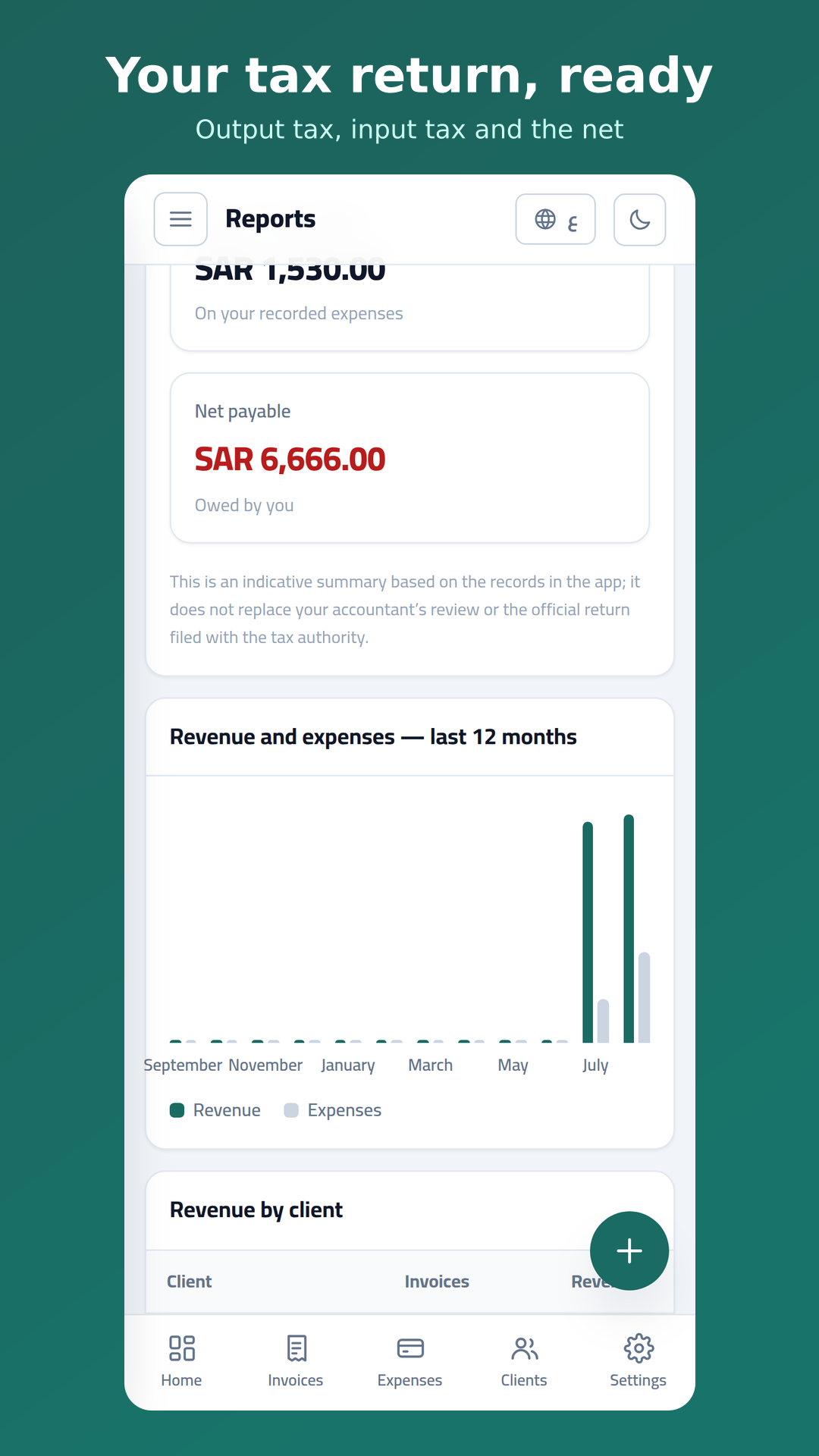
Per-line VAT, global discount distributed proportionally, withholding tax, and an indicative VAT return report.
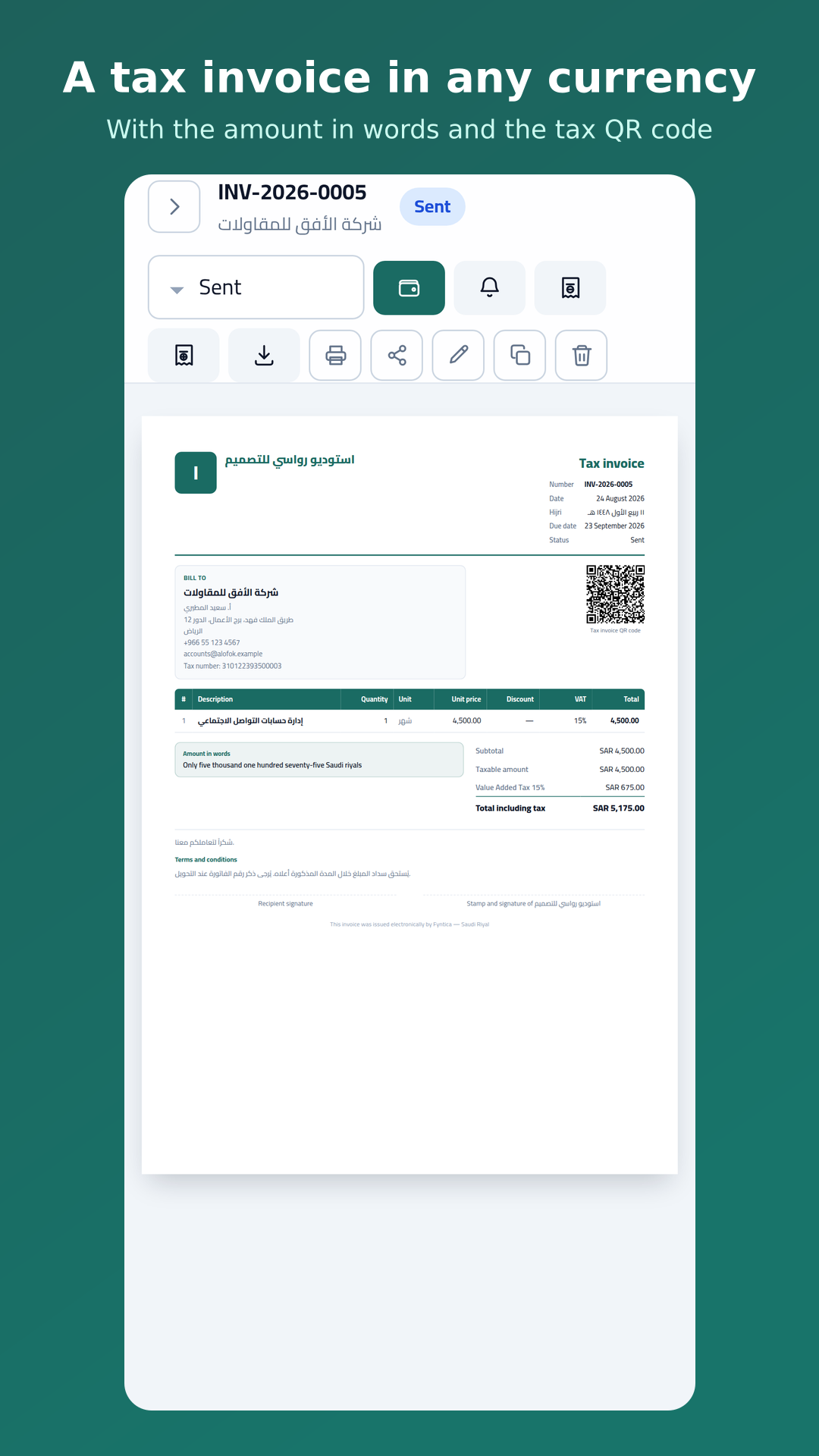
TLV-encoded QR code following the Saudi ZATCA phase-one requirements, printed on invoices and notes.
A4 output with an embedded Arabic font and correctly joined letters, amount in words, and direct sharing via WhatsApp or email.
Each currency with the right number of decimals, and each country's VAT rate where we know it — all editable. The 22 Arab countries keep their curated detail: the official tax name, the tax-number label and the tax QR code.
Four steps from install to your first payment.
Name, tax number and country — one minute, and they print on every invoice after that.
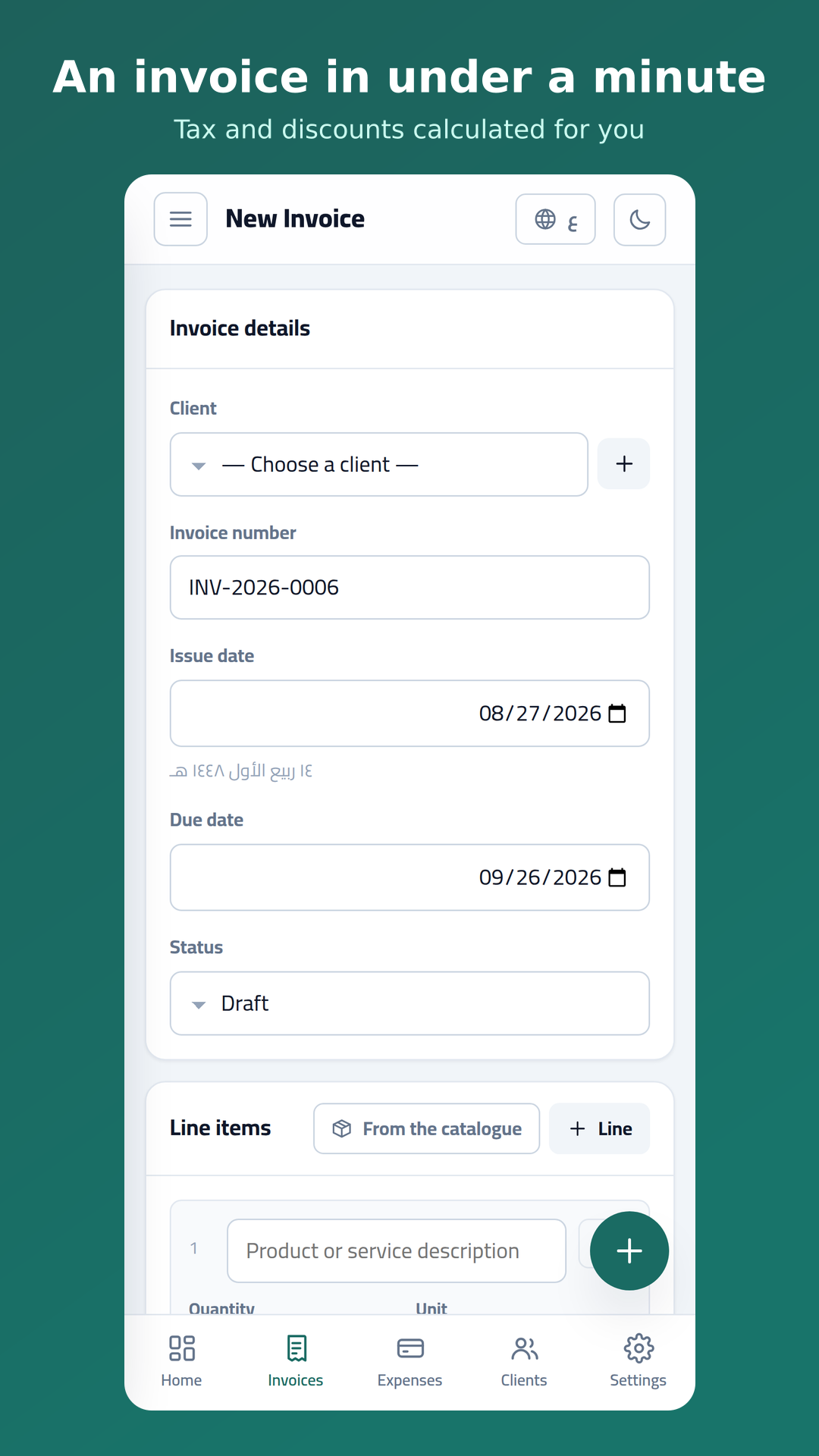
Pick the client, add the lines, and tax and discounts calculate themselves.
A PDF in one tap, sharing over WhatsApp, and an automatic reminder when it runs late.
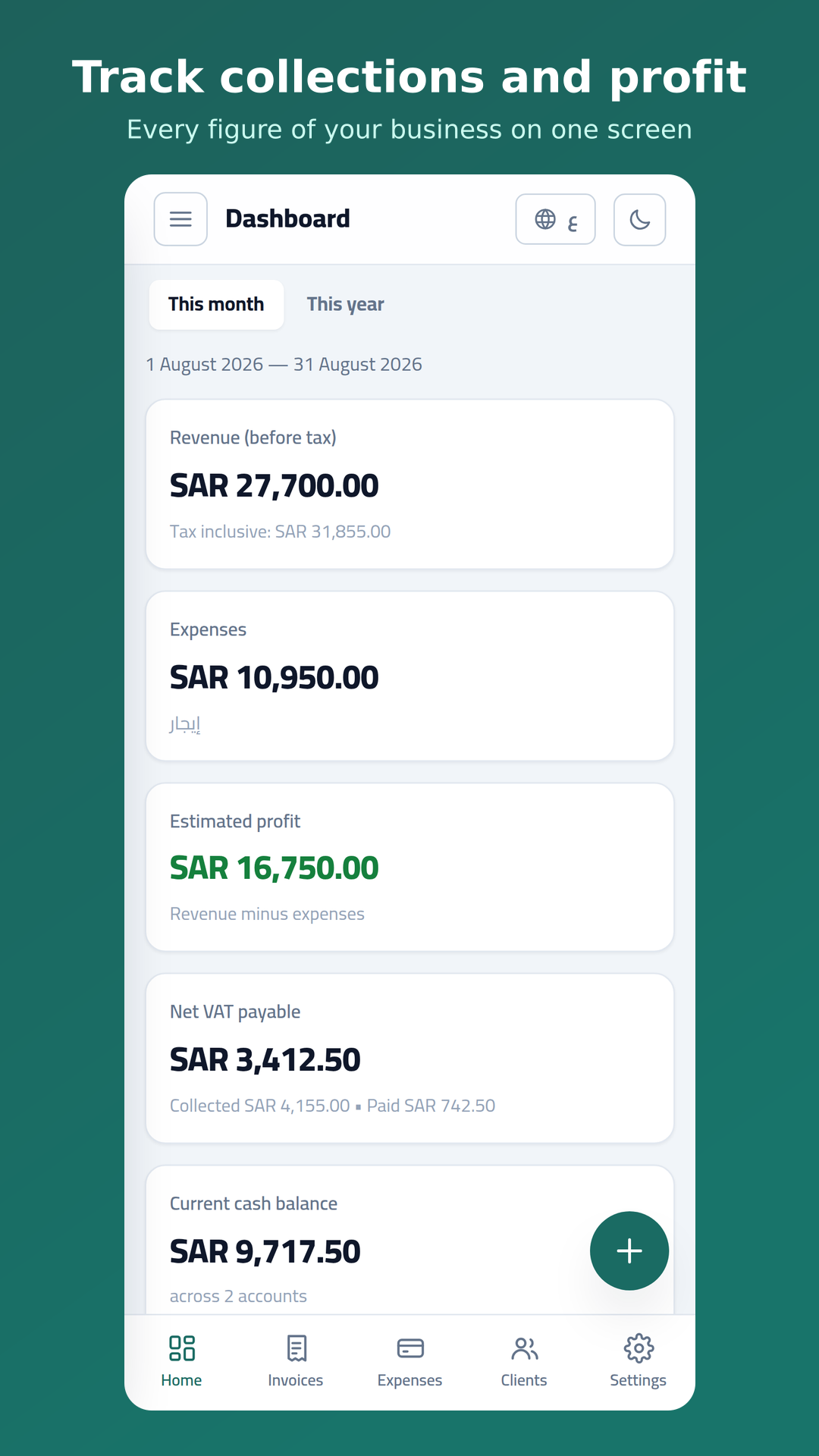
Profit, collections and your tax return — computed from your invoices, not typed in by hand.
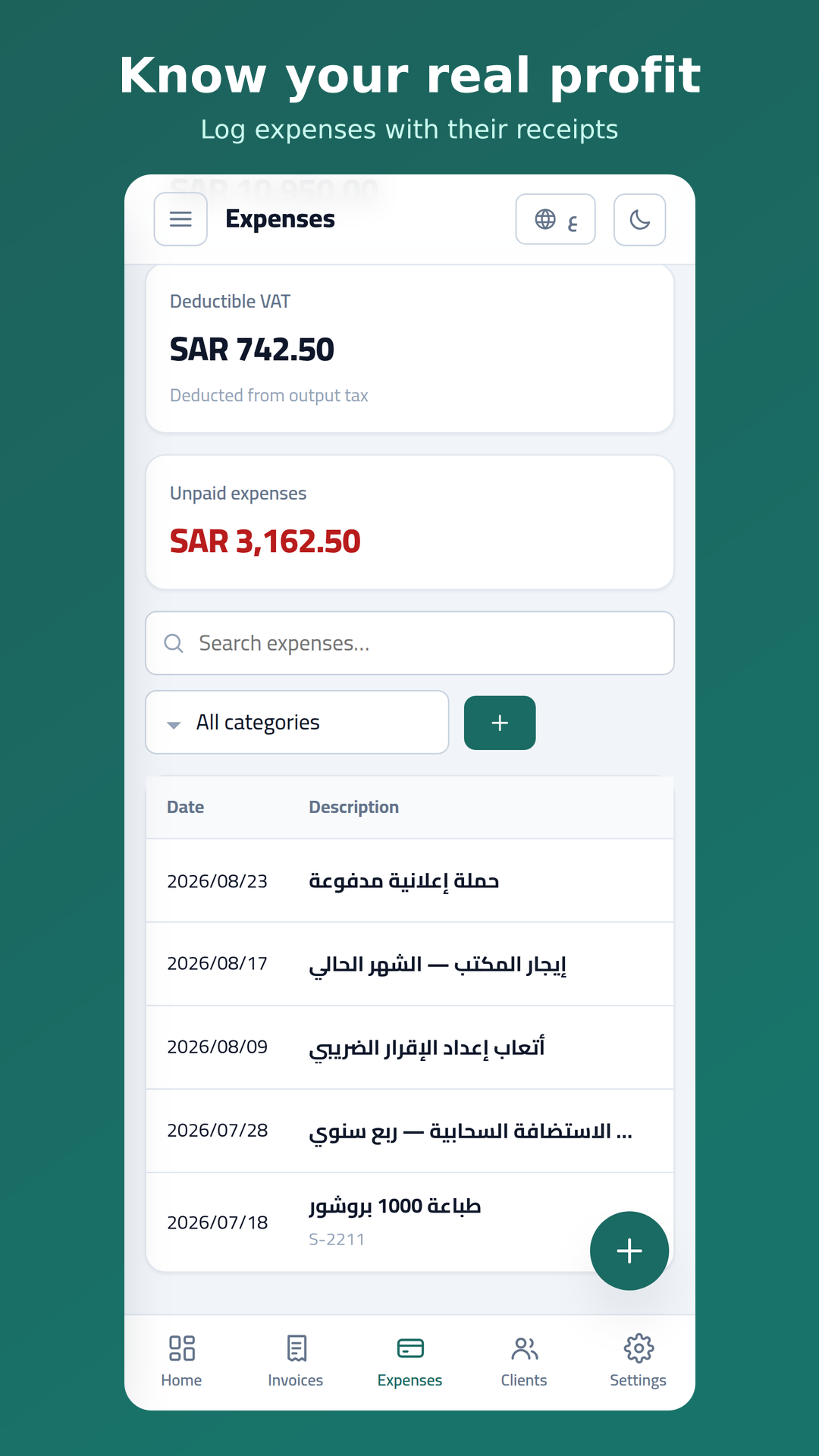
Real screenshots from the phone build.
Not a slogan — it is how the app is built: it writes to your device first and runs entirely offline.
You can use the whole app without signing up. In that mode your data never leaves your device.
Create an account and your data syncs across your devices and survives a lost phone — isolated at the database level so nobody reaches anyone else's rows.
No analytics, no advertisers, no data selling. Read the privacy policy — written in plain language, not from a template.
Yes, and it works fully with no subscription and no ads.
No. The app works entirely offline — creating invoices, generating PDFs and building reports all happen on your device. A connection is only needed for sync, if you turn it on.
If you use an account, your data comes back the moment you sign in. If you work locally, export a JSON backup from Settings and import it on the new device.
No. The app is an accurate bookkeeping and calculation tool, and its tax return summary is indicative only. Accounting review and the official filing remain your responsibility.
From inside the app, or by request over email — the details are on the account and data deletion page.
Your business figures are not ordinary data — they are treated accordingly.
Every connection to the server goes over HTTPS, with no exception.
Row Level Security: each row is bound to its owner, so no user can read anyone else’s rows even by trying directly.
Sync servers are in France, inside the European Economic Area.
Signing out clears this device’s copy — whoever borrows your phone finds nothing.
The app is completely free today.
No subscription
—
The price is not set yet. What is free today stays free.
The same app on web and phone, and the same data — working offline in both.
The web version installs to your home screen from the browser menu, and behaves like an app from then on.
Open the app and write your first invoice in a minute. Your data stays on your device.